Personalised photo booth hire across Yorkshire
Design Your Interactive Photo Booth Experience.
Choose from around 30 Tap-to-Start screens, more than 30 photo-template designs and 20 LED ring options. We personalise the selected design with your names, date, event wording or approved brand assets so the booth fits the wedding, party, corporate event, school celebration, Mitzvah or fundraiser.

Your vision, recorded consistently
Three parts shape the guest-facing experience.
The screen invites guests to begin, the template frames the final captures and the LED ring sets the booth’s appearance before each photo, GIF or Boomerang is recorded.
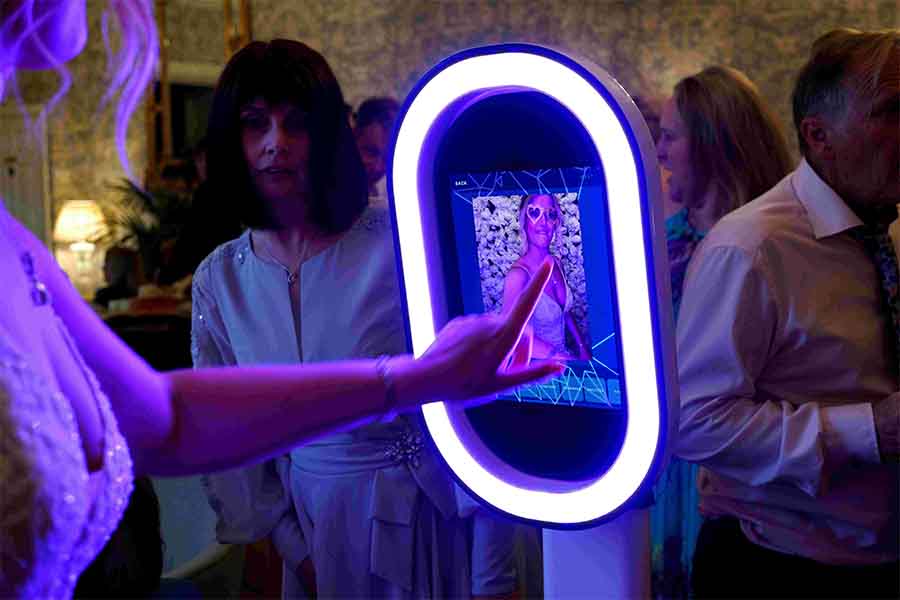
Tap-to-Start Screen
Select a looping “booth head” design from the existing library to create the first thing guests see when they approach the booth.
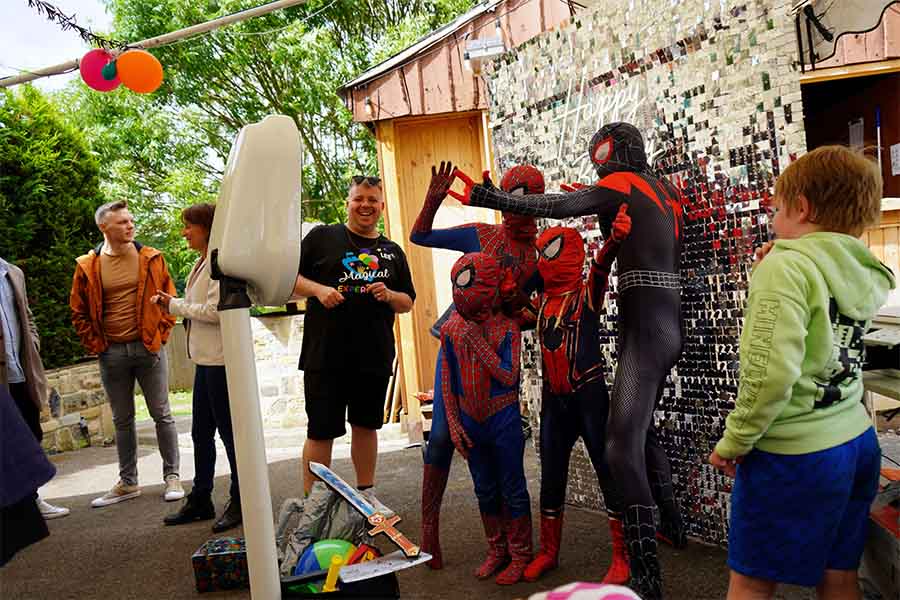
Template and Overlay
Choose an existing design that is personalised with the relevant names, date, event wording or approved brand details. The same visual direction can be used for prints and animated overlays.
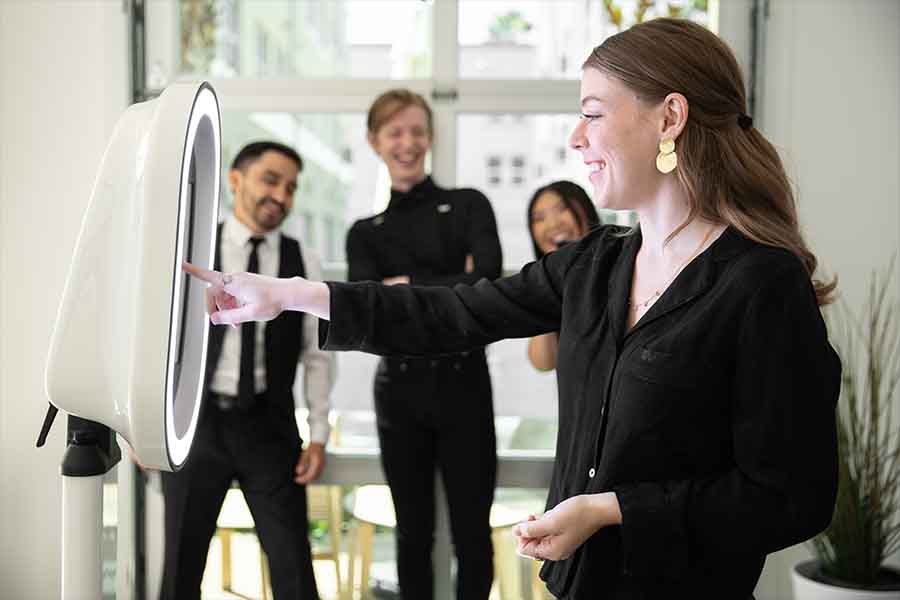
Aura Hub LED Ring
Choose a static colour or moving sequence for the booth’s standby lighting. When the booth records the capture, the ring changes to bright white photographic light.
The design library
Enough choice to fit the event without starting from nothing.
The live site already contains detailed wedding and party libraries. This main customisation page acts as the hub and preserves those dedicated collections.
Tap-to-Start Screens
Choose from around 30 short looping designs that invite guests to tap the screen and begin the booth experience.
Template Choices
Wedding, party, school and celebration templates can be personalised using the event details supplied after booking.
LED Ring Options
The Aura Hub contains ten static colours and ten moving patterns for the ring’s standby appearance.
The Aura Hub
Choose the booth’s LED ring appearance.
The Salsa booth’s full RGB ring can display a static colour or moving pattern while guests approach and choose their experience. Select the setting that best supports the event colour palette, backdrop or brand direction.
Signature Glow — 10 Static Colours
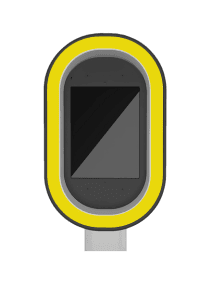 Yellow
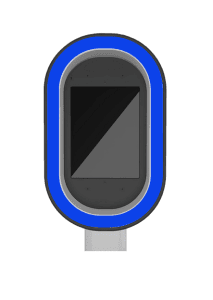 Blue
Blue
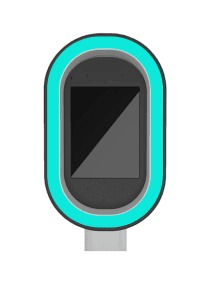 Cyan
Cyan
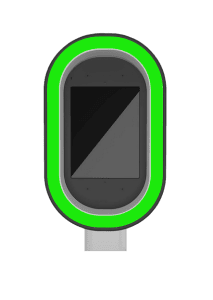 Green
Green
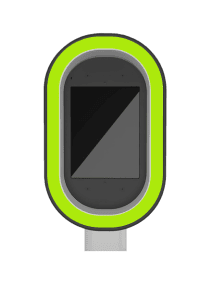 Lime
Lime
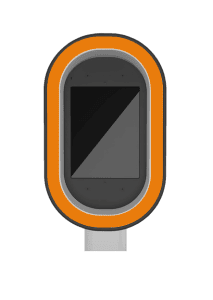 Orange
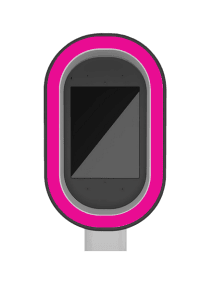 Pink
Pink
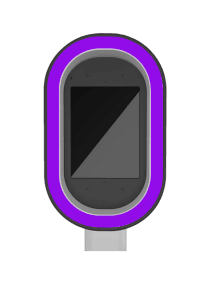 Purple
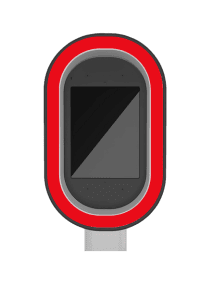 Red
Red
 White
White
Dynamic Sequence — 10 Moving Patterns
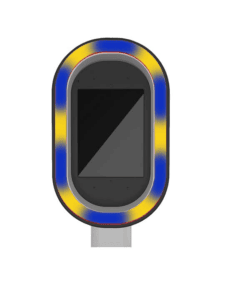 Moving Pattern 1
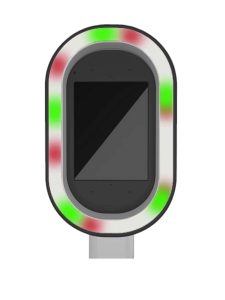 Moving Pattern 2
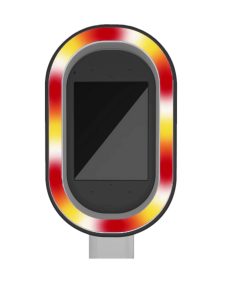 Moving Pattern 3
 Moving Pattern 4
 Moving Pattern 5
 Moving Pattern 6
 Moving Pattern 7
 Moving Pattern 8
 Moving Pattern 9
 Moving Pattern 10
Copy the selected LED ring reference into the booking form alongside the Tap-to-Start screen, template and backdrop choices.
Template previews
Existing wedding and party collections remain available.
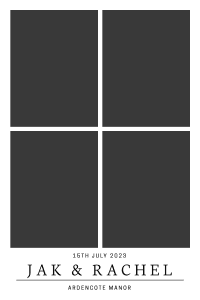
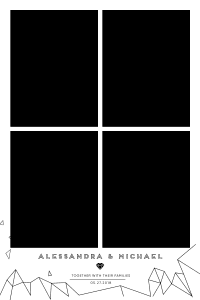
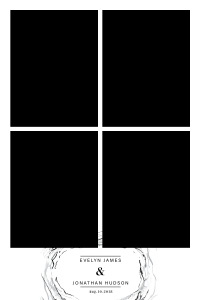
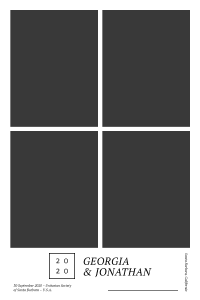
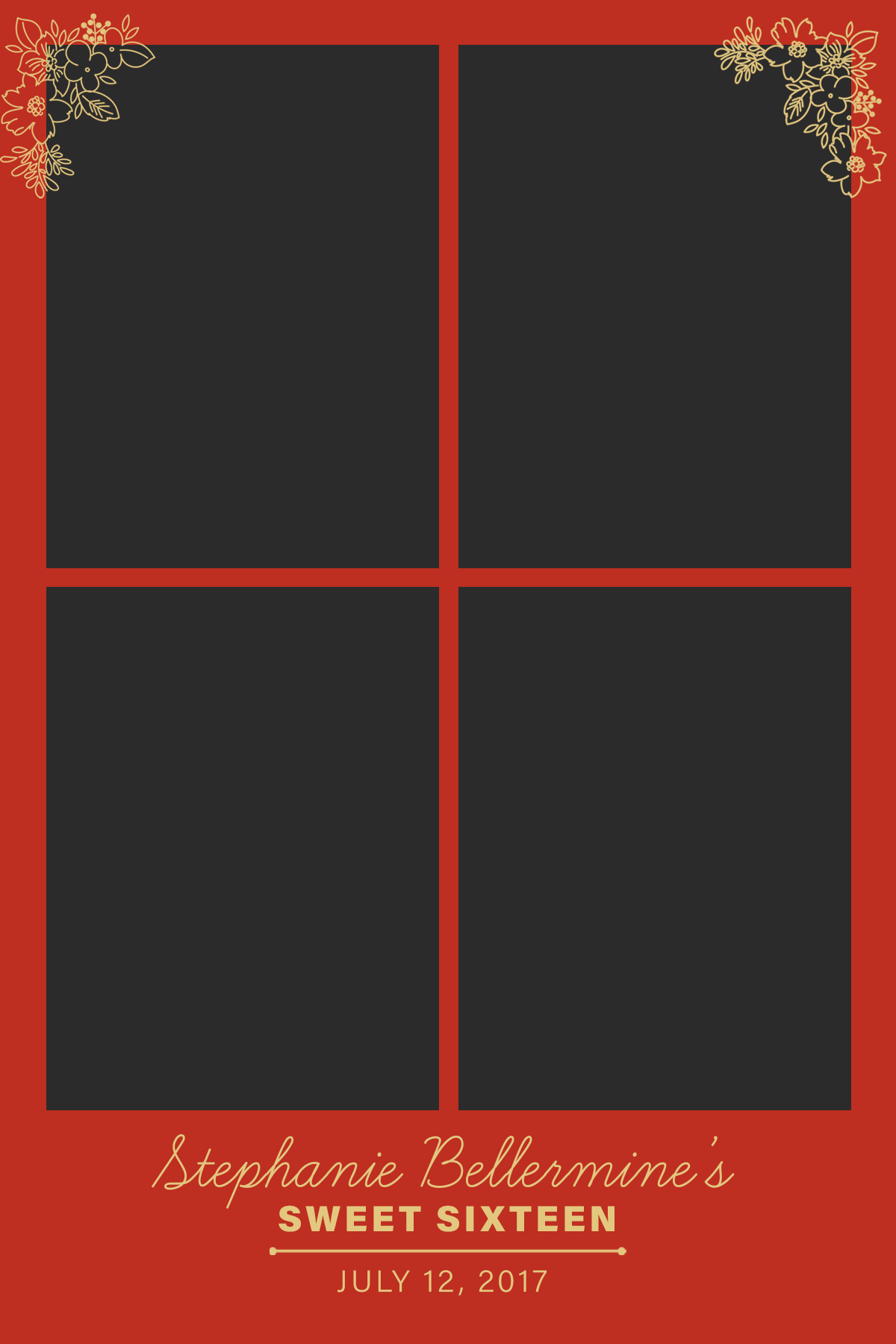
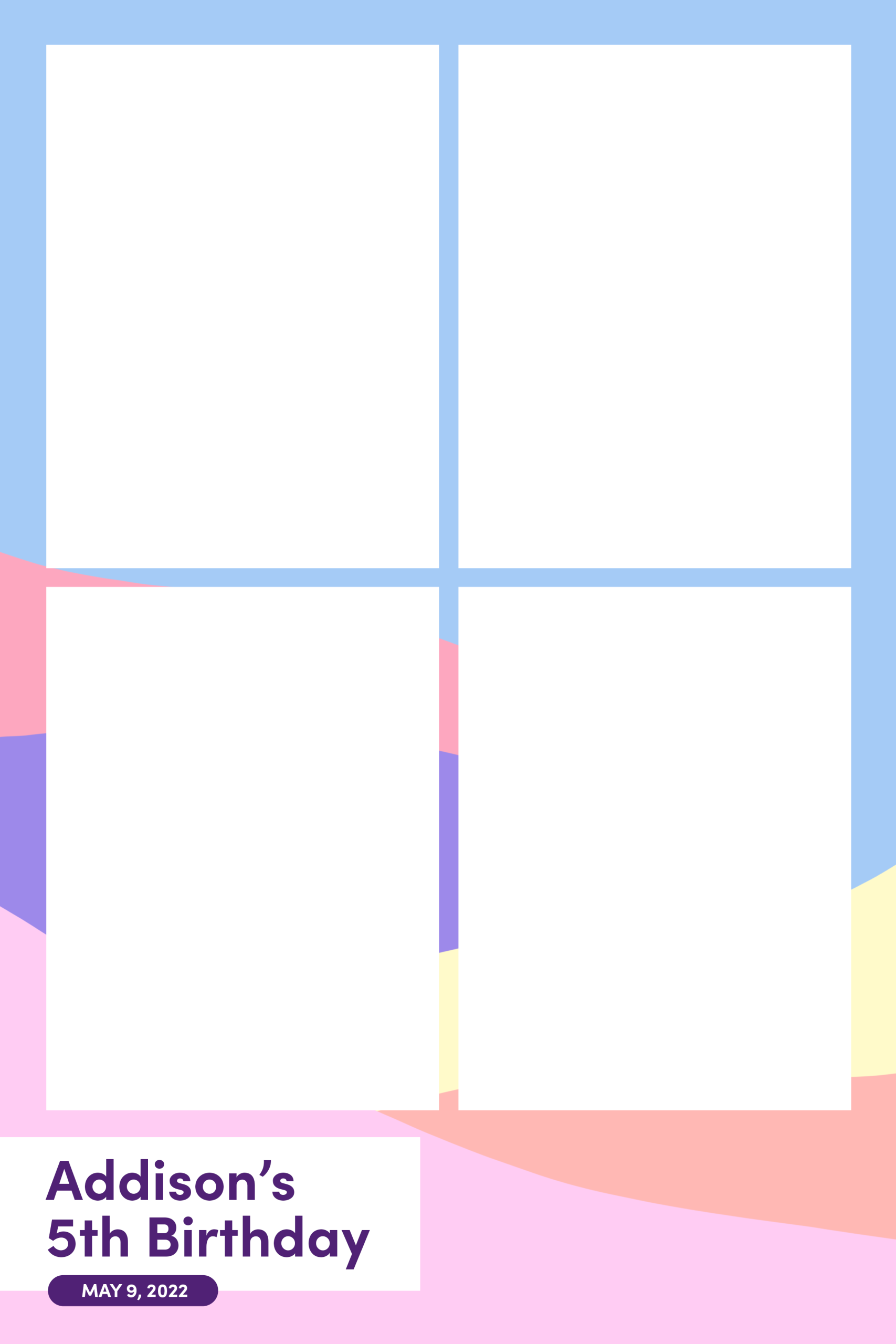
These are genuine samples from the current detailed customisation pages. The complete libraries remain on the dedicated wedding and party pages rather than being removed or duplicated here.
Wedding Templates
Choose an existing layout, then personalise the names and wedding date. The same direction can be used for the matching animated overlay.
Party & Celebration Templates
Party templates cover milestone birthdays and themed celebrations. Names, ages, event wording and dates are personalised after the design is selected.


Choose your event type
Start with the design route that matches the occasion.
Wedding and party bookings have dedicated customisation libraries. Other event types use their relevant package page or proposal route while suitable designs are confirmed.
Wedding Customisation
Browse the current wedding Tap-to-Start screens, Aura Hub and 30-plus wedding-template collection.
View Wedding Options
Party Customisation
Browse the live party screen and template collections for birthdays, engagements and celebrations.
View Party Options
Corporate Customisation
Use approved logos, campaign colours and event wording across suitable screens, overlays, print templates and gallery elements where confirmed.
View Corporate Packages
Bar & Bat Mitzvah Customisation
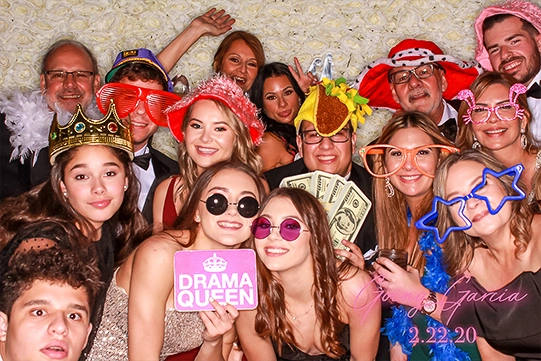
Coordinate the screen, template, LED ring and backdrop with the celebration colours, guest experience and keepsake package.
School Celebration Customisation
Add the school or institution name, event year, approved colours and suitable celebration wording to the selected design.
View School Packages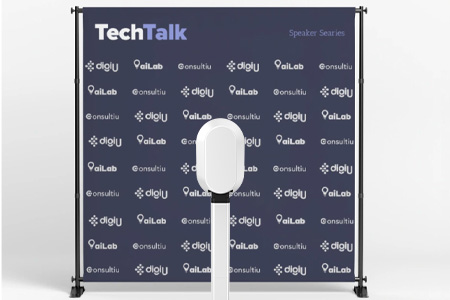
Charity Event Customisation
Use approved charity, campaign and sponsor assets across suitable guest-facing designs where confirmed in the proposal.
View Charity Event HireWhat to send
Provide the details needed to personalise the selected design.
A clear design brief reduces corrections and helps the screen, template, overlay, LED ring and backdrop work as one event experience.
Names and Event Wording
Send the exact names, date, event title, class year, age or short wording to be shown.
Template Choice
Identify the preferred template or provide enough style direction for a suitable option to be recommended.
Tap-to-Start Choice
Select the looping booth-head design that should greet guests before they start.
LED Ring Setting
Choose one of the ten static colours or ten moving patterns from the Aura Hub.
Logos and Brand Rules
For branded events, send high-quality PNG, PDF, SVG or AI files and any placement or colour restrictions.
Backdrop and Venue Notes
Confirm the selected backdrop, venue wall or styling direction that should be considered in the final design.
Customisation process
From package selection to approved event design.
Confirm the Package
Establish whether the booking is digital, print-inclusive, premium, corporate or proposal-led.
Choose from the Libraries
Select the Tap-to-Start screen, template, LED ring option and relevant backdrop direction.
Send the Personal Details
Provide the exact names, wording, date, approved logos and any style restrictions.
Review the Preview
Check the personalised design before the approved files are prepared for the event.
Customise FAQs
Questions before choosing the booth design.
How many Tap-to-Start screens can I choose from?
The current library contains around 30 looping Tap-to-Start or “booth head” designs. You select the option that best fits the event atmosphere.
How many photo templates are available?
More than 30 template choices are available across wedding, party, school and celebration collections. The selected design is personalised with the event details.
What are the 20 LED ring options?
The Aura Hub includes ten static colours—Yellow, Blue, Cyan, Green, Lime, Orange, Pink, Purple, Red and White—plus ten moving pattern options.
Does the coloured LED light affect the photographs?
No. The selected colour or pattern is used while guests interact with the booth. During the actual capture, the ring changes to bright white photographic light.
Is the overlay the same design as the template?
Yes. The overlay mirrors the selected template direction so photographs, GIFs, Boomerangs and printed output remain visually consistent where those formats are included.
Can you add a company, charity or sponsor logo?
Suitable approved logos can be incorporated into overlays, print templates and other confirmed branded elements. Send the highest-quality files available with any brand-use rules.
Will I see the design before the event?
A digital preview can be supplied for checking after the required details have been submitted. Report spelling or detail corrections promptly so the final files can be approved.
When should I send my choices and event details?
Ideally send them 7–14 days before the event. Branded designs, print requirements or complex approvals benefit from being supplied earlier.
Ready to build your booth experience?
Send the event date, venue, package direction and any names, wording, logo files or design preferences already decided. We will confirm the relevant customisation options and next steps.