Birthdays, anniversaries and private celebrations
Party & Celebrations Photo Booth Customisation.
Build a booth experience around the energy of the celebration. Watch the real looping Tap-to-Start designs, choose from 20 Aura Hub LED settings and select a party template for the personalised prints and digital overlays.
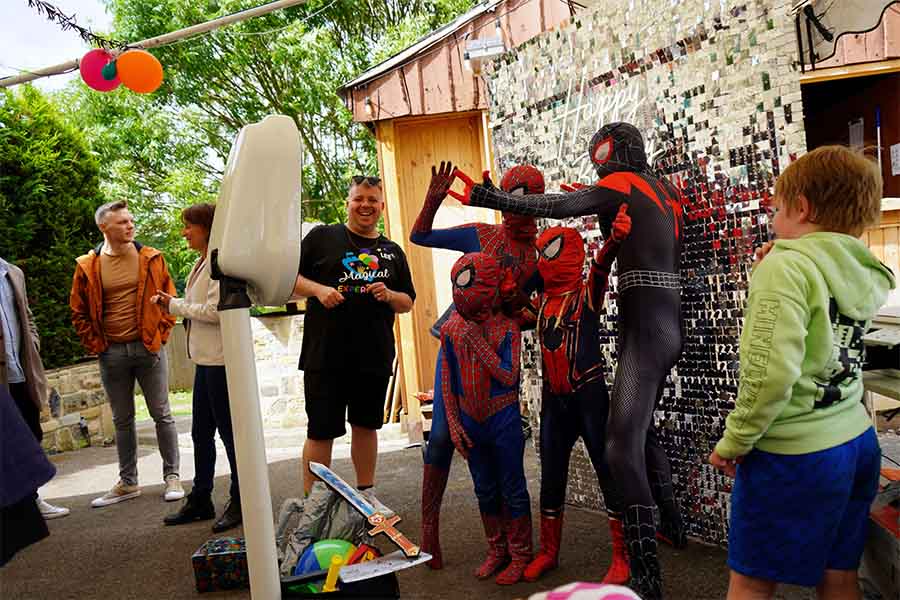
Designed to fit the celebration
Keep the screen, lighting and final photographs connected.
The Tap-to-Start screen creates the first impression, the LED ring supports the room or theme, and the selected template frames the final photographs, GIFs and Boomerangs.
Tap-to-Start Screen
Choose a genuine looping animation that invites guests to begin.
Aura Hub LED Ring
Select a static colour or moving pattern for the booth’s standby lighting.
Template and Overlay
Personalise the chosen design with the name, age, date or party wording.
Tap-to-Start screen options
Watch the real loops and select the party screen.
The higher-energy and general-purpose options appear first, followed by floral, spring and rustic alternatives for engagements, anniversaries and softer celebration themes.
The Aura Hub
Choose the booth’s LED ring appearance.
Use a static colour or moving pattern to support the backdrop, decorations or party theme.
Signature Glow — 10 Static Colours
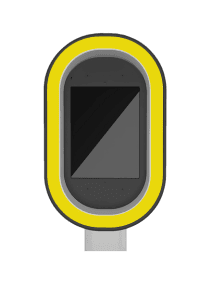 Yellow
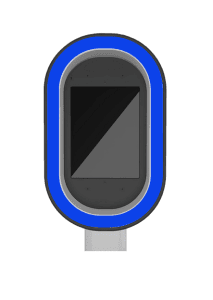 Blue
Blue
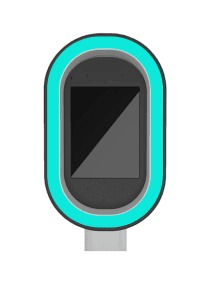 Cyan
Cyan
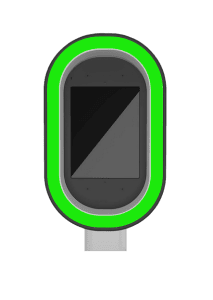 Green
Green
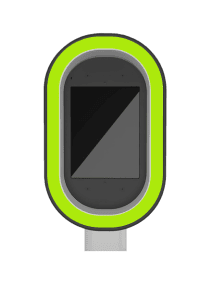 Lime
Lime
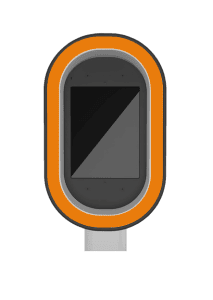 Orange
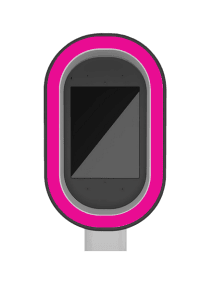 Pink
Pink
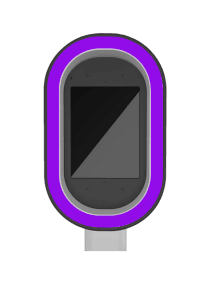 Purple
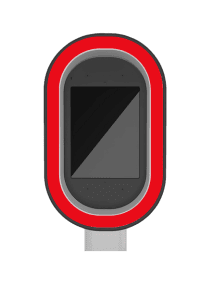 Red
Red
 White
White
Dynamic Sequence — 10 Moving Patterns
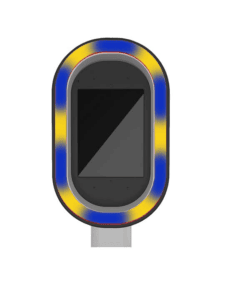 Moving Pattern 1
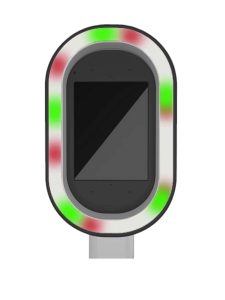 Moving Pattern 2
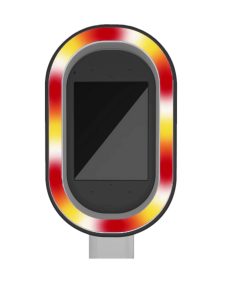 Moving Pattern 3
 Moving Pattern 4
 Moving Pattern 5
 Moving Pattern 6
 Moving Pattern 7
 Moving Pattern 8
 Moving Pattern 9
 Moving Pattern 10
Party & celebrations templates
Select the layout used for prints and digital overlays.
Choose the closest existing design, then provide the exact name, age, date or wording. The custom-template route is subject to the package and final design brief.
Choosing the design direction
Match the design to the type of celebration.
Bold type, age and high-energy colour
Use the birthday and Sweet Sixteen designs where the age is central to the event.
Floral, minimal or metallic styling
Combine a softer screen with floral or elegant black-and-gold templates.
Use the strongest relevant visual cue
The current library includes a golf design and broader party templates.
Supply approved artwork and exact wording
A custom route can be discussed where the package and production time permit it.
Design approval process
From party booking to approved booth files.
Confirm the Package
Establish whether the booking is digital, print-inclusive or a custom route.
Copy the Three Choices
Choose and copy the Tap-to-Start screen, LED ring and party template.
Send the Exact Wording
Provide the name, age, date, party title and any spelling instructions.
Review the Preview
Check the factual details before the design is prepared for the event.
Party customisation FAQs
Questions before selecting the party design.
Can the booth match the party theme or colours?
Choose the existing screen, LED setting, template and backdrop that align most closely with the event. The chosen template is then personalised with the supplied details.
What is the Tap-to-Start screen?
It is the looping portrait video guests see before using the booth. Tapping it begins the selected photo, GIF or Boomerang experience.
Can I preview all 30 animations?
Yes. The first ten are loaded initially. Select “Show All 30” to reveal the remaining options, which load as they enter the screen.
Does the LED colour affect the photographs?
No. The selected appearance is used while guests interact with the booth. The ring switches to bright white photographic light for the actual capture.
Is the digital overlay the same as the template?
Yes. The overlay mirrors the chosen template direction so photographs, GIFs, Boomerangs and printed output remain consistent where those formats are included.
Can you create a completely custom template?
A custom-template route can be discussed, but it depends on the confirmed package, design brief, approval process and available production time.
Will I receive a preview?
A digital preview can be supplied after the design choices and event details have been received. Check names, date, age and wording carefully.
When should I submit the choices?
Ideally 7–14 days before the event. Submit earlier for custom artwork or bookings with printed output.
Ready to build the party booth design?
Copy the selected Tap-to-Start screen, LED ring and party template into the booking form, then add the exact name, age, date and event wording.