
Photo booth planning guides
Plan Your Photo Booth Hire with Clear, Practical Guides.
Compare packages, decide between digital-only and printed output, prepare the venue, choose backdrops and customisation, and understand what information is needed for an accurate event proposal.
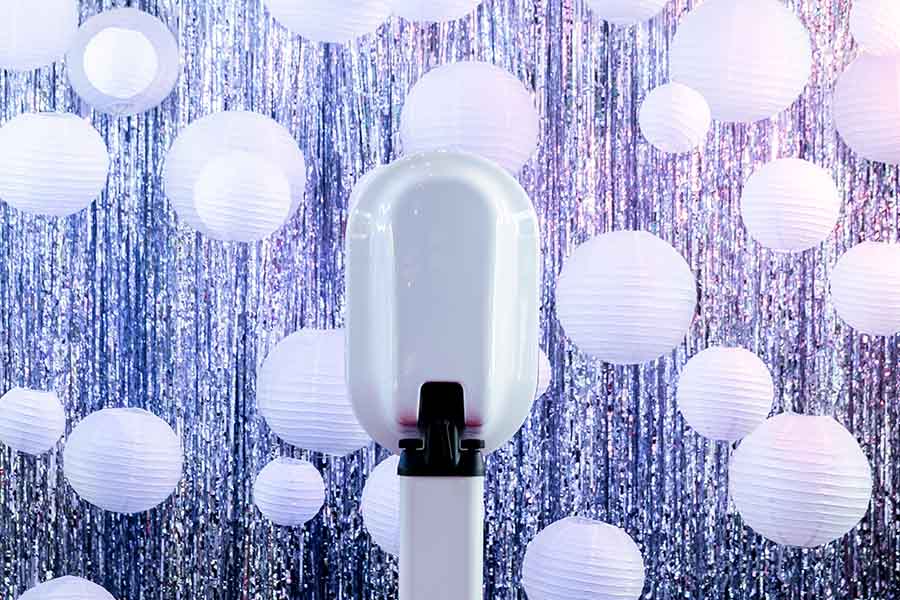
- Event type and date
- Digital-only, prints or both
- Required booth time
- Venue space, access and power
- Backdrop and customisation direction
- Optional extras and proposal priorities
Main planning guides
Choose the guide that matches your next decision.
Start with the question currently holding up the booking rather than trying to solve every decision at once.
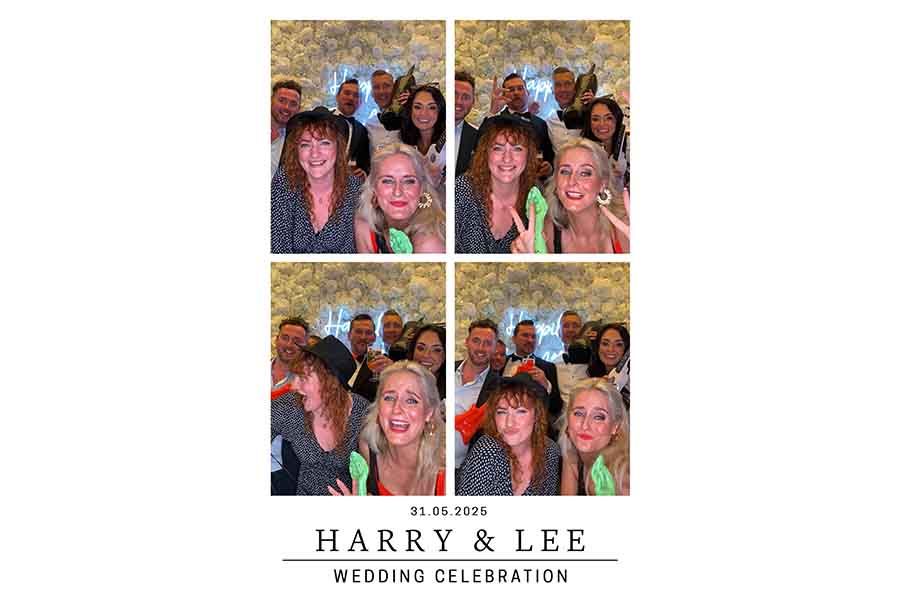
Digital-Only vs Printed Photo Booth Hire
Decide whether instant sharing is enough or whether guests should also receive a physical photograph.
- Digital sharing versus keepsake value
- Wedding, party and corporate advice
- Practical print-flow considerations

Compare Photo Booth Packages
Compare the event routes by hire length, digital output, print allowance, backdrop provision and premium options.
- Wedding and corporate package routes
- Party, school and Mitzvah packages
- Custom and add-on options
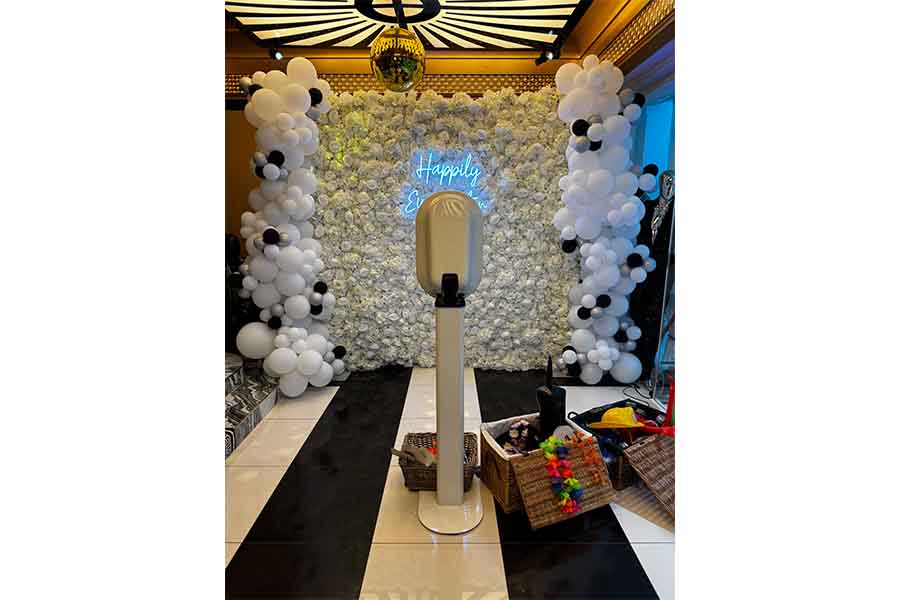
Photo Booth Venue Setup Checklist
Prepare the room, access route, power, loading, parking and setup window before the event date.
- Space and guest movement
- Power and booth placement
- Loading and venue paperwork
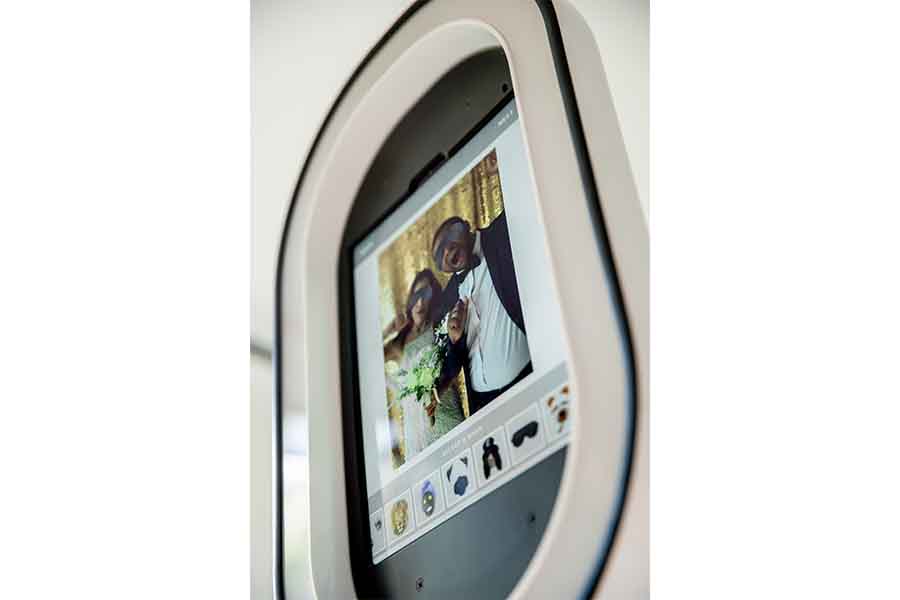
How to Customise the Booth
Compare Tap-to-Start screens, templates, LED ring colours, approved branding and other visual choices.
- 30+ screen and template choices
- 20 LED ring colours
- Wedding, party and corporate routes
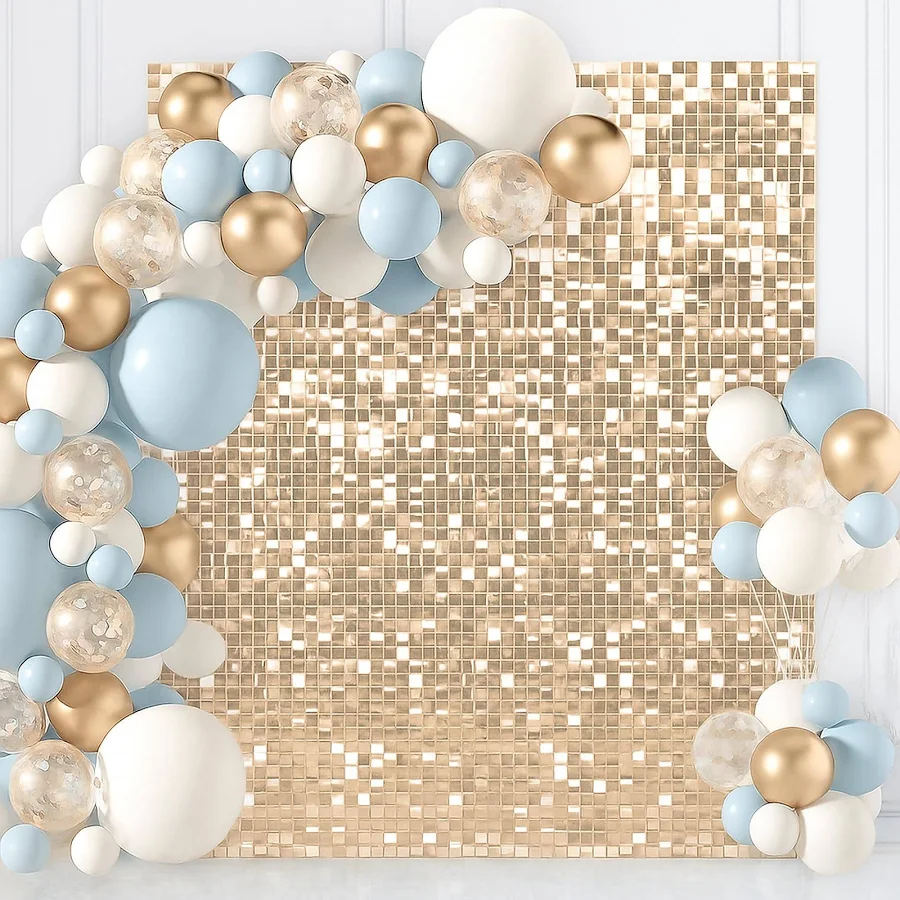
How to Choose a Backdrop
Consider the venue, event colours, outfits, available space and the appearance of the final photographs.
- Flower-wall and shimmer options
- Venue-space considerations
- Package inclusion and availability

Which Add-Ons Are Worth Considering?
Review longer hire, increased print output, video guestbook options, keepsakes and premium styling.
- Extra booth time and print routes
- Video-message options
- Physical and visual upgrades
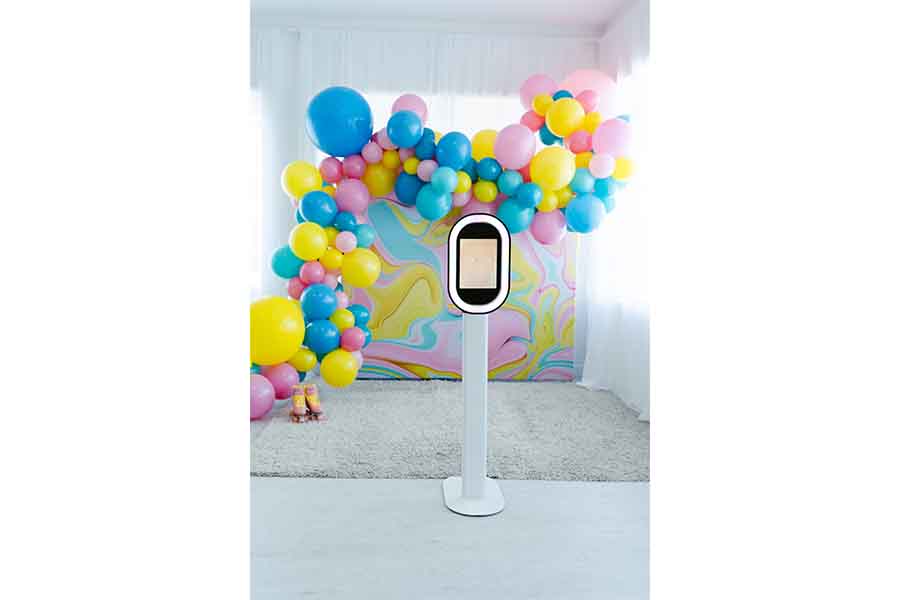
What the planning decisions change
Output, styling and setup all affect the final experience.
These examples show why package choice should consider more than the headline hire price.



Plan by event type
Different events need different decisions.
Choose the event route first, then compare output, hire length, styling and venue requirements.
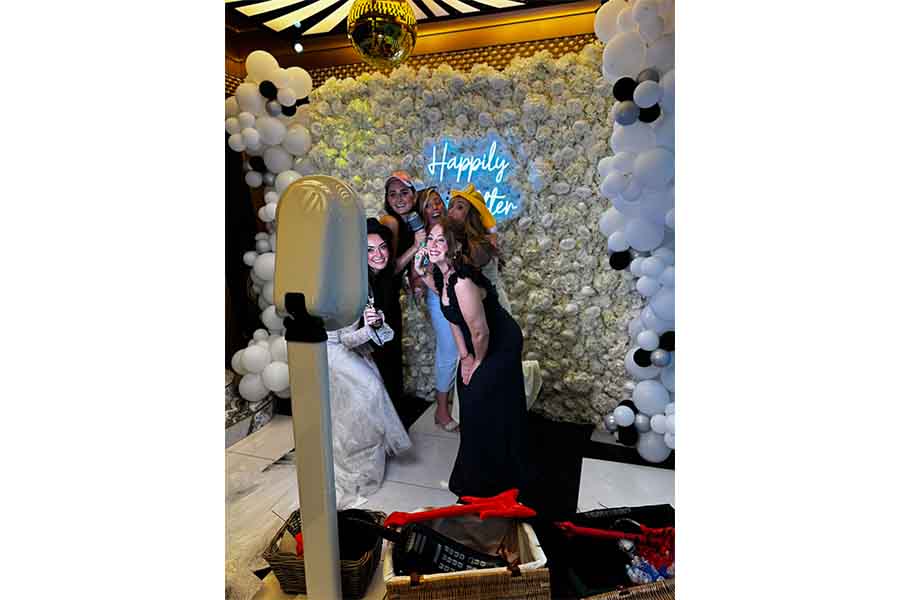
Wedding Booth Planning
Compare digital and printed packages, guest keepsakes, backdrops and premium wedding options.
View Wedding Packages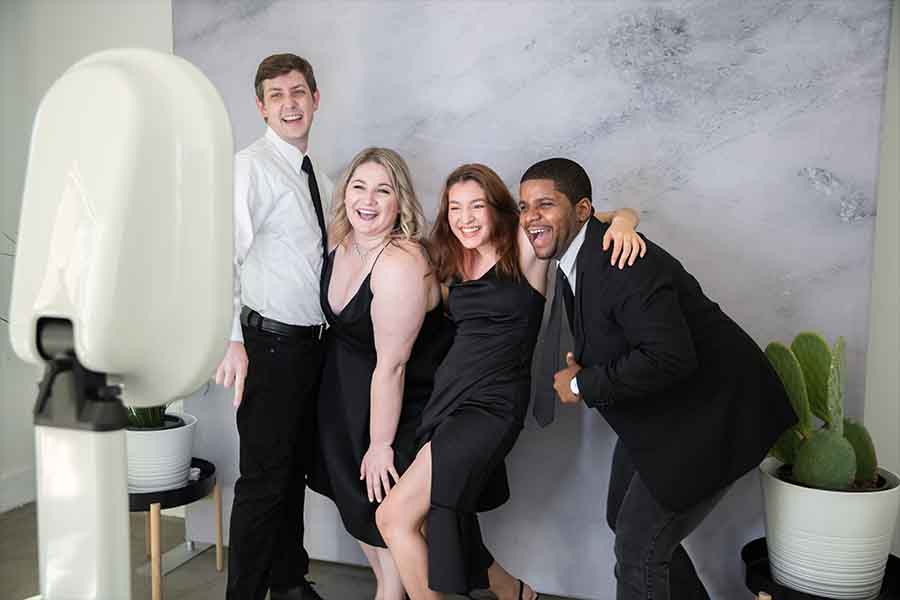
Corporate Event Planning
Plan approved branding, digital output, printed takeaways and separately defined data needs.
View Corporate Packages
Party and Celebration Planning
Plan milestone details, party themes, digital sharing, printed output and suitable booth time.
View Party Packages
Prom and Graduation Planning
Consider student sharing, printed mementos, supervision, institutional branding and venue access.
View School Packages
Charity Event Planning
Plan sponsor assets, fundraising or awareness objectives, digital sharing and printed output.
Plan a Charity Event
Bar and Bat Mitzvah Planning
Plan names, dates, colour themes, backdrops, digital sharing and print-inclusive celebration routes.
Venue checklist
Check the practical setup details before booking.
A well-positioned booth is visible and easy to reach without blocking doorways, bars, catering routes, the dancefloor or venue staff.
- Venue name, postcode and room
- Proposed booth location
- Suitable standard 13A power socket
- Loading, parking and supplier access
- Stairs, lifts and restricted access
- Available setup and takedown windows
- Space for backdrop and guest movement
- Print collection or keepsake area where required
- Any venue paperwork or insurance requirements
Planning process
Move from research to a clear proposal in four steps.
You do not need every design detail before enquiring, but the practical event information should be available.
Choose the Event Route
Start with wedding, corporate, party, school, charity, Bar Mitzvah or Bat Mitzvah.
Choose the Output
Decide whether digital sharing is enough or whether guests should receive prints as well.
Check the Venue
Confirm space, access, power, parking, setup time and any supplier requirements.
Request the Proposal
Send the date, venue, timings, guest numbers, package direction and known customisation needs.
Planning guide FAQs
Questions to resolve before hiring a photo booth.
What should I decide before requesting a proposal?
Know the event type, date, venue, approximate guest numbers and preferred booth period. State whether you want digital-only, prints, both or a recommendation.
Should I choose digital-only or printed output?
Choose digital-only when sharing and gallery access matter most. Choose prints when guests should leave with a physical keepsake. Some packages provide both.
How much space should I plan for?
Approximately 3m × 3m is a useful guide for many booth-and-backdrop setups. The exact requirement depends on the backdrop, output, props and guest-flow needs.
What can be customised?
Available choices include Tap-to-Start screens, templates, approved branding, event wording, LED ring colour, backdrop direction and selected package extras.
What should I ask the venue?
Ask about the proposed booth area, power, loading, parking, access, stairs, lifts, setup times and any insurance or supplier documentation requirements.
Can I request advice without knowing the package?
Yes. Select the event type and provide the practical details, then explain whether sharing, prints, branding, guest messages or keepsakes matter most.
When should I request a proposal?
Request one once the date and venue are known. Submitting the form does not reserve the date; the booking is confirmed only after the required booking steps are completed.
Where can I compare all package routes?
Use the main packages hub to compare wedding, corporate, party, school, charity and Mitzvah routes before sending the event brief.
Ready to turn the planning into a clear event proposal?
Send the date, venue, event type, timings, guest numbers and whether you need digital sharing, prints, branding, backdrops or premium extras.