
Personalised wedding photo booth designs
Wedding Photo Booth Customisation.
Personalise the booth from the first tap to the final photograph. Choose a looping Tap-to-Start screen, a print layout where printed output is included, one of more than 30 wedding templates and any of the 20 Aura Hub LED options. We then add your names and wedding date so the prints, digital overlays and guest-facing experience feel consistent with the reception.
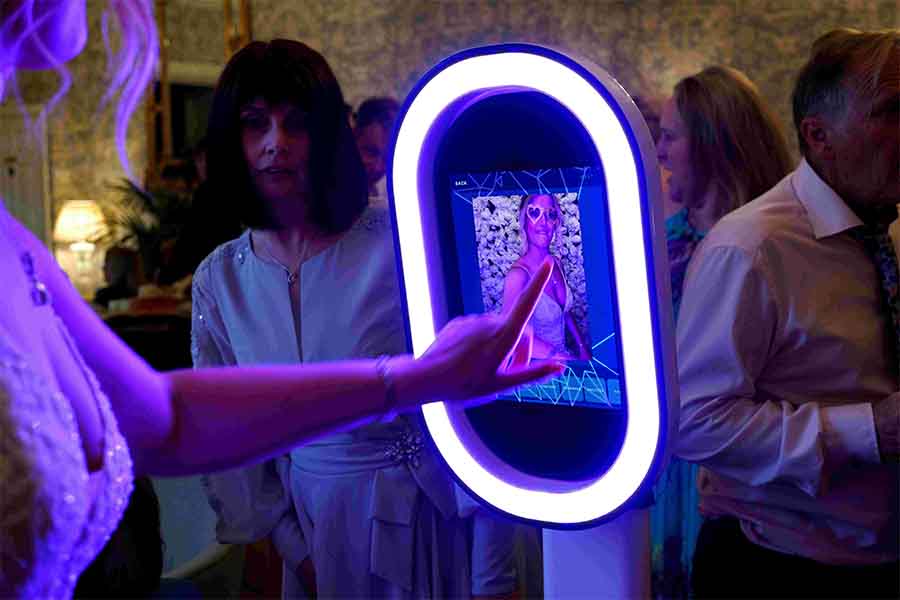
Made to match the wedding aesthetic
Keep the booth visually connected to the reception.
The aim is not to rebuild every design from scratch. It is to choose the strongest existing screen, template and ring combination, then personalise it so it feels deliberate alongside the wedding colours, typography and venue styling.
A Better First Impression
The Tap-to-Start loop creates the first interactive moment and gives guests a clear invitation to begin.
Consistent Keepsakes
Where prints are included, choose the photo arrangement first, then add a wedding template so the finished keepsake has both the right structure and styling.
Coordinated Booth Styling
The LED ring and backdrop can support the same colour or atmosphere without competing with the template.
Tap-to-Start screen options
Watch the real looping designs and choose your reference.
Each card below plays the genuine MP4 used on the booth’s portrait touchscreen. Click a video to enlarge it, then select the reference you prefer. The clearest floral, spring and rustic wedding options are shown first.
Videos are loaded only when they enter the screen. This keeps the page substantially lighter than loading all 30 animations as soon as the page opens.
The Aura Hub
Select the LED ring appearance guests see between captures.
Choose one of ten static colours or ten moving patterns to support the wedding palette, backdrop or room lighting.
Signature Glow — 10 Static Colours
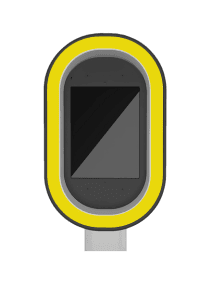 Yellow
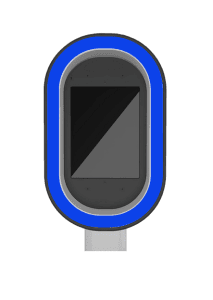 Blue
Blue
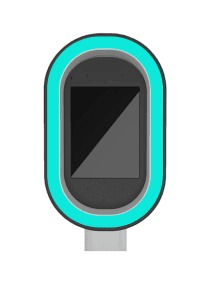 Cyan
Cyan
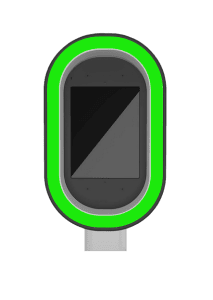 Green
Green
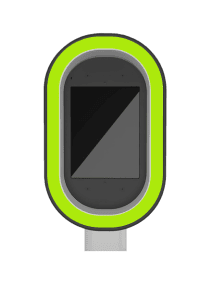 Lime
Lime
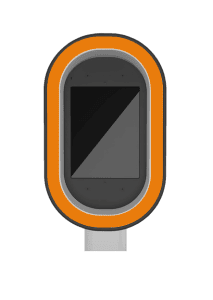 Orange
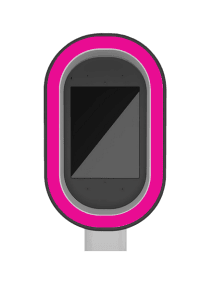 Pink
Pink
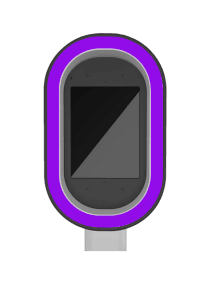 Purple
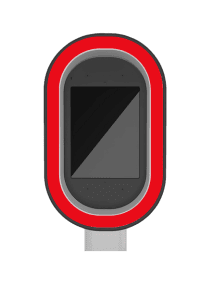 Red
Red
 White
White
Dynamic Sequence — 10 Moving Patterns
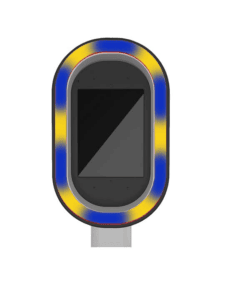 Moving Pattern 1
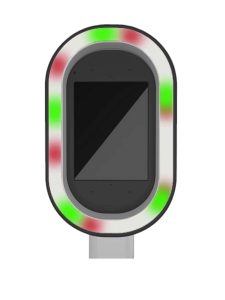 Moving Pattern 2
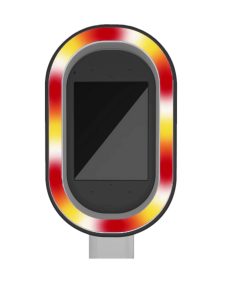 Moving Pattern 3
 Moving Pattern 4
 Moving Pattern 5
 Moving Pattern 6
 Moving Pattern 7
 Moving Pattern 8
 Moving Pattern 9
 Moving Pattern 10
Wedding print layouts
Choose how the photographs are arranged on the print.
If your wedding package includes printed photographs, choose the underlying photo arrangement as well as the wedding design. The layout controls where the photographs sit; the template controls the names, date, colours, typography and decorative artwork.
2×6 strip layouts
Seven narrow photo-strip arrangements.
4×6 print layouts
Full-size print arrangements for larger keepsakes.
Wedding template library
Browse more than 30 wedding photo designs.
These genuine templates are used for printed photographs and matching animated overlays. Once a design is selected, the relevant names and wedding date are added.
Load More Wedding Templates
Preview images: the dark or white rectangles represent the photograph positions. They are replaced by the guests’ captures when the booth creates the final image.
Choosing the design
Use the wedding style to narrow the library.
Clean typography and neutral backgrounds
Best suited to black-tie venues, monochrome stationery and contemporary reception styling.
Soft flowers, foliage and script details
Useful when the wedding includes floral stationery, flower walls, pastel colours or garden styling.
Black, gold and jewel-tone layouts
Works well for evening receptions, winter weddings, dramatic lighting and metallic décor.
Wood, foliage and warm neutral styling
Suitable for barns, country venues, relaxed receptions and warmer natural colour palettes.
Design approval process
From template selection to wedding-ready files.
Choose the Package
Confirm whether the booking is digital-only, includes prints or uses a custom wedding route.
Select the Design Elements
Choose the Tap-to-Start screen, print layout where relevant, wedding template and Aura Hub ring option.
Send the Exact Details
Supply the names, wedding date and any spelling, punctuation or wording instructions.
Review the Preview
Check the digital proof and report any factual corrections before the design is approved.
Deadline: send the required choices and wedding details ideally 7–14 days before the event. Earlier submission is useful when the package includes prints or when the venue and backdrop styling are still being coordinated.
Wedding customisation FAQs
Questions before choosing the final design.
Can you match our wedding colours?
The strongest route is to choose the template, LED colour and backdrop that already align most closely with the wedding palette. The selected template is then personalised with the supplied names and date.
What is a Tap-to-Start screen?
It is the looping portrait video guests see before using the booth. Tapping it begins the selected photo, GIF or Boomerang experience.
What is the difference between a print layout and a wedding template?
The print layout controls the number and position of the photograph areas on a 2×6 strip or 4×6 print. The wedding template is the visual design placed around those areas, including the names, date, colours, typography and decorative artwork.
How many wedding templates are available?
The current library contains more than 30 wedding template choices covering minimal, floral, modern, glamorous and rustic directions.
Is the digital overlay the same as the template?
Yes. The overlay mirrors the chosen template direction so photographs, GIFs, Boomerangs and printed output remain visually consistent where those formats are included.
Will the coloured LED ring change the colour of our photographs?
No. The selected colour or moving pattern is shown while guests approach and interact with the booth. The ring switches to bright white light for the actual capture.
Can we use the design on printed photographs?
Yes. When the package includes prints, the selected personalised template is used for the printed output as well as the matching digital overlay.
Will we receive a design preview?
A digital proof can be supplied after the required design details have been received. Check names, date and wording carefully before approval.
When should we send our choices?
Ideally 7–14 days before the wedding so there is time to prepare, review and approve the design before the event.
Ready to choose the wedding booth design?
Send the wedding date, venue and package direction. Once the booking is confirmed, choose the Tap-to-Start reference, print layout where relevant, wedding template and Aura Hub ring setting, then provide the exact names and date for personalisation.